GTA 6 clip maker
Keep the chase.
Cut the downtime.
Find the moment in your GTA 6 replay. Frame the action, fix the captions and export for TikTok, Reels or Shorts.
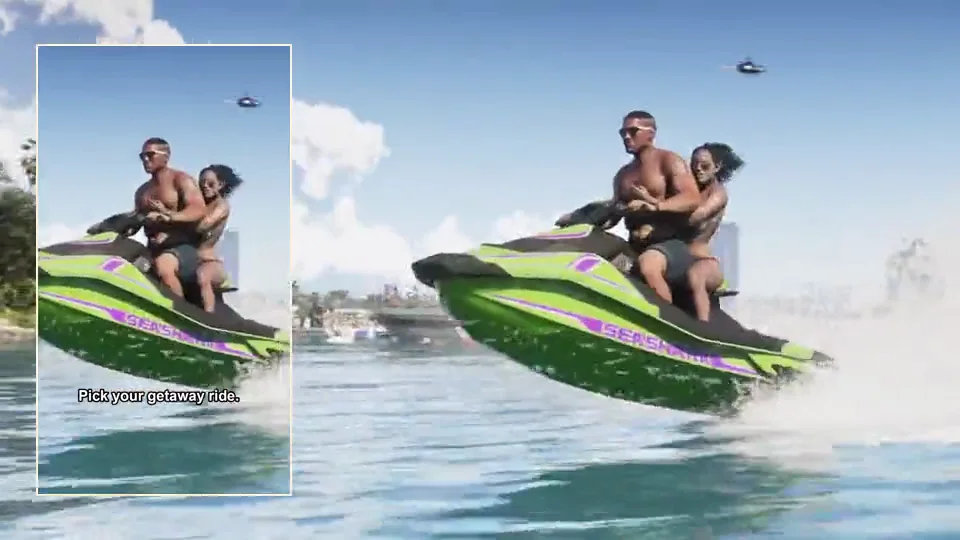
Dasgasd3m on KICK
Three cuts from launch night.
Follow the chase through a three-minute replay. Pick a moment to watch its vertical edit or check the same beat in the original.
Straight into a roadblock
Dom calls for the highway, clears the on-ramp and finds two cruisers across his lane.
1080 × 1920 · 16 seconds · Original audio
Choose a moment
Source, timestamps & campaign rules
Audio reaches -10 dBFS at 1:41. The scanner suggested 01:29.5–01:53.5. Our cut uses 01:36.5–01:52.5 of the published clip.
See how many others clipped it.
See how many other Clip GTA 6 accounts exported the same scene. When a less-used moment scores similarly, the studio suggests it.
Keep track after you post.
Keep the deadline, post link and organizer’s receipt with your clip in the studio calendar.
Creator watchlist
Out in Leonida.
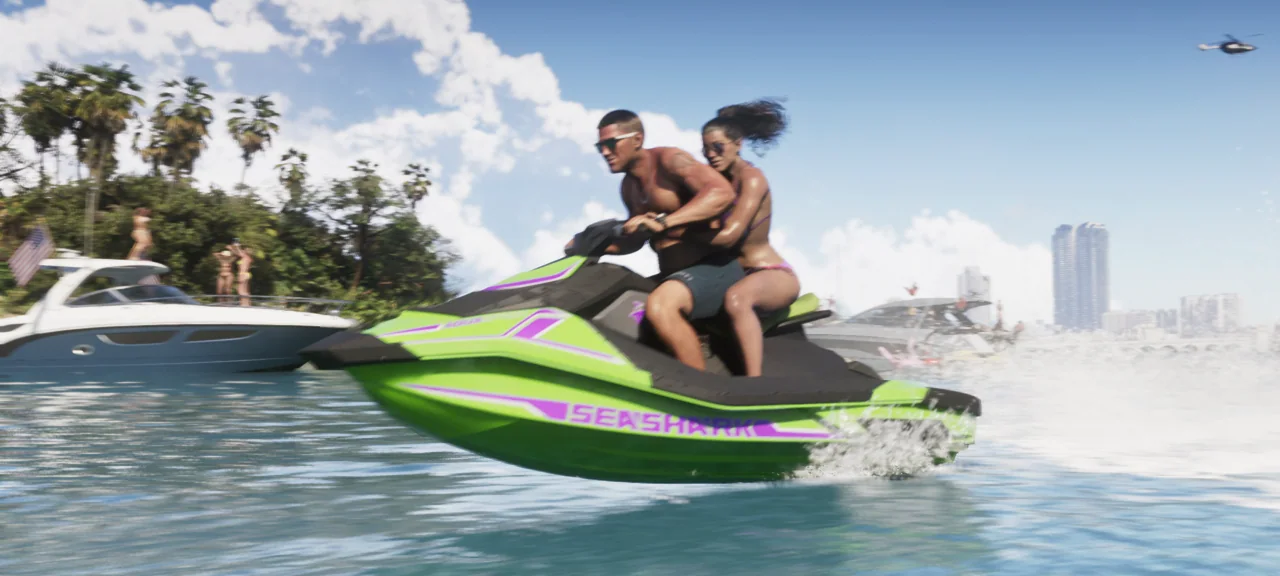
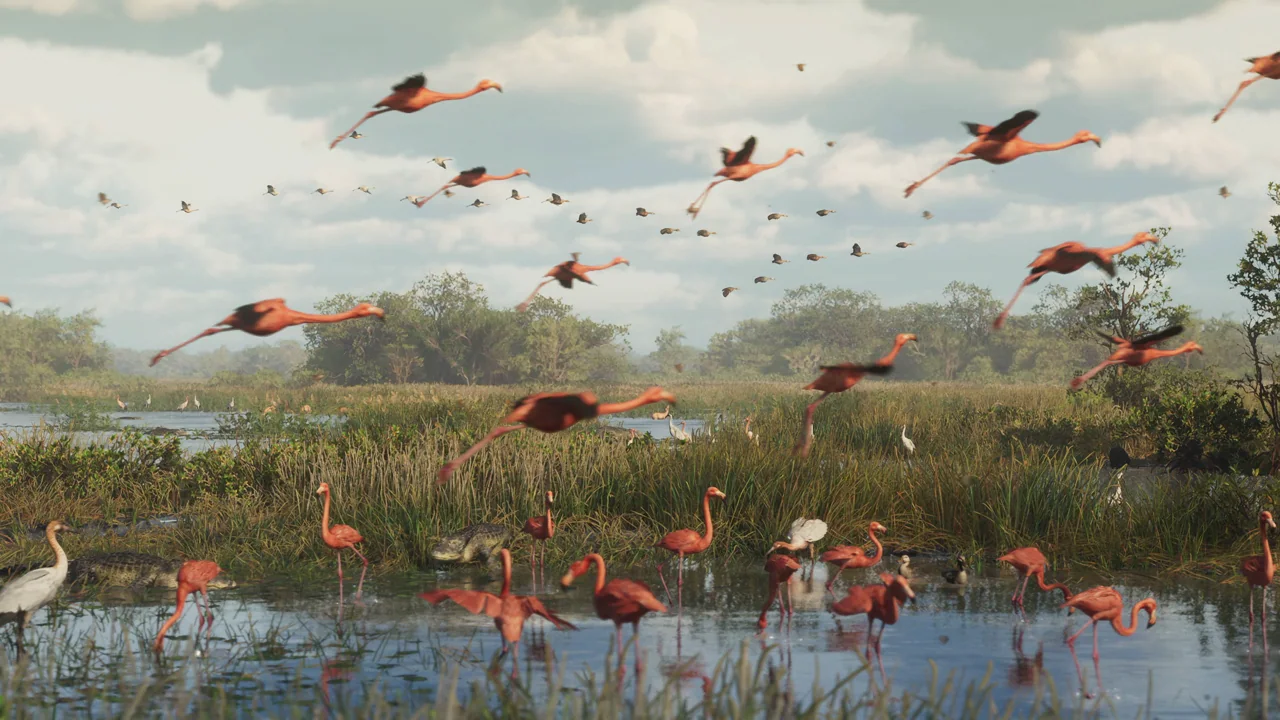
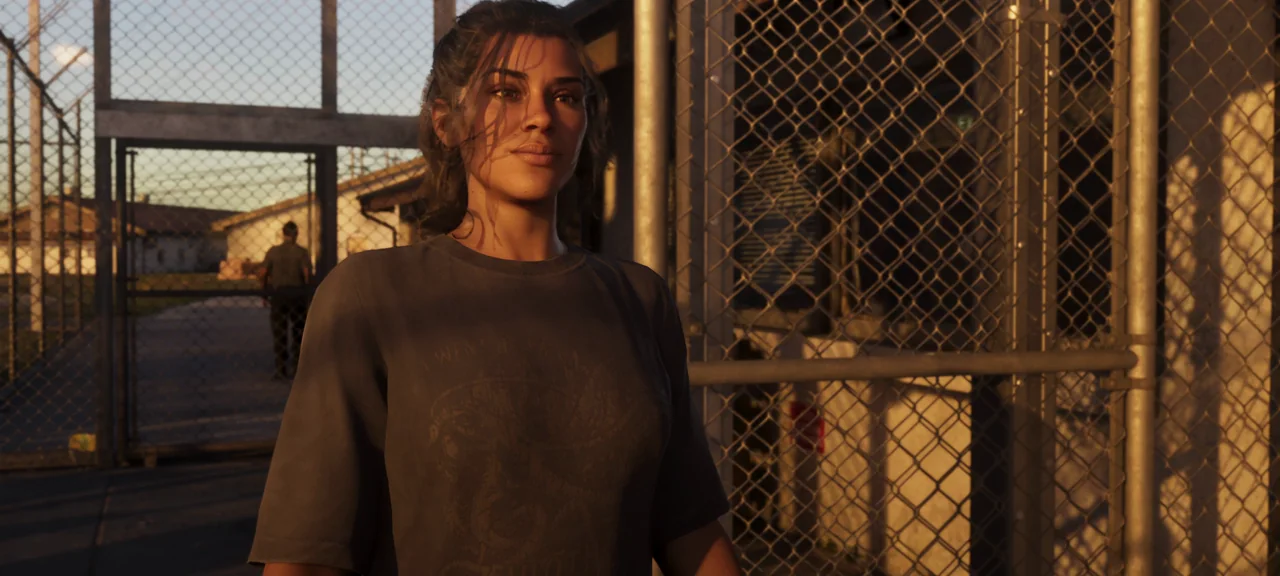
A seaplane, a yard sale, a fishing line. See the moments other players stopped to clip.
Watch all 6 creator clipsOpen a trailer cut in the free editor
Campaign matching
Find out who wants
your clip. Before you cut it.
A great clip from the wrong stream can miss the brief. Check the creator, source window and posting rules before using your replay minutes.
Browse 9 GTA VI briefs Find footage to start with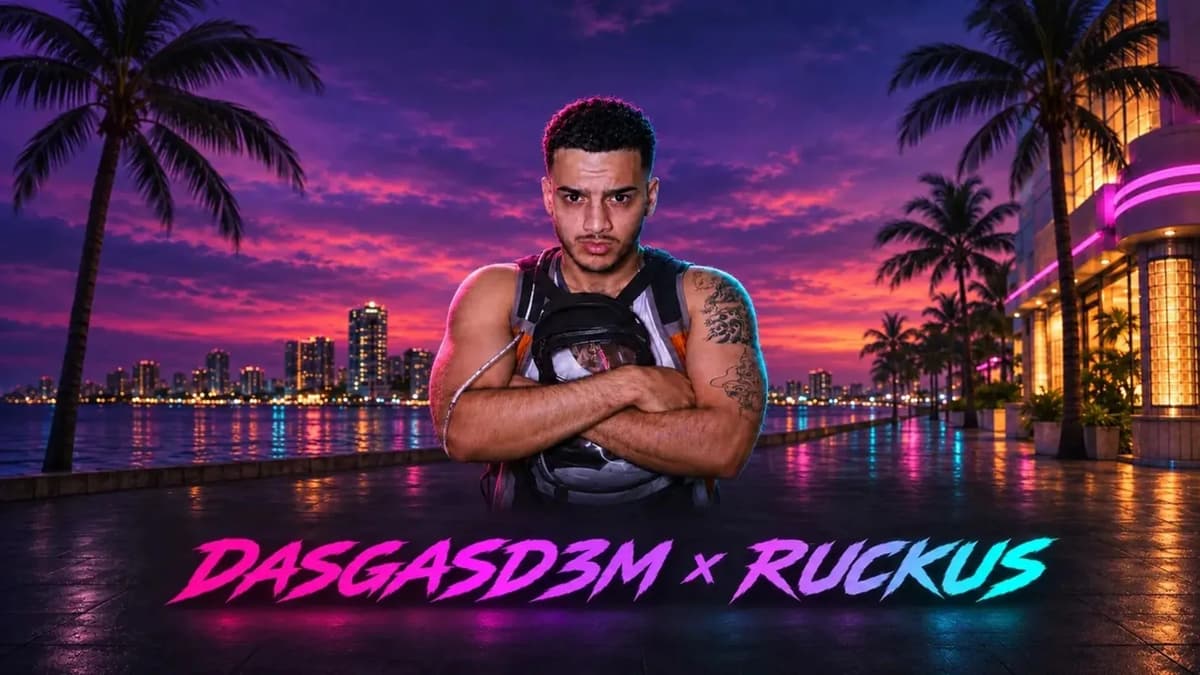
Dasgasd3m × RUCKUS
The featured stream matches the source in this brief.
- Where to post
- TikTok or YouTube Shorts
- Organizer rate
- $1 per 1,000 qualifying views
Replay hours
One chase shouldn’t
cost a whole stream.
Select the stretch you want to scan. You see the cost first and can take several clips from the same scan.
Compare replay plansA two-hour replay
Scan estimateScan 40:00 – 1:00:00. The other 100 minutes stay off your bill.
Free creator field kit
Frame a chase.
Land the last line.
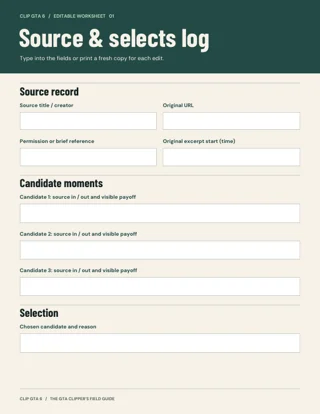
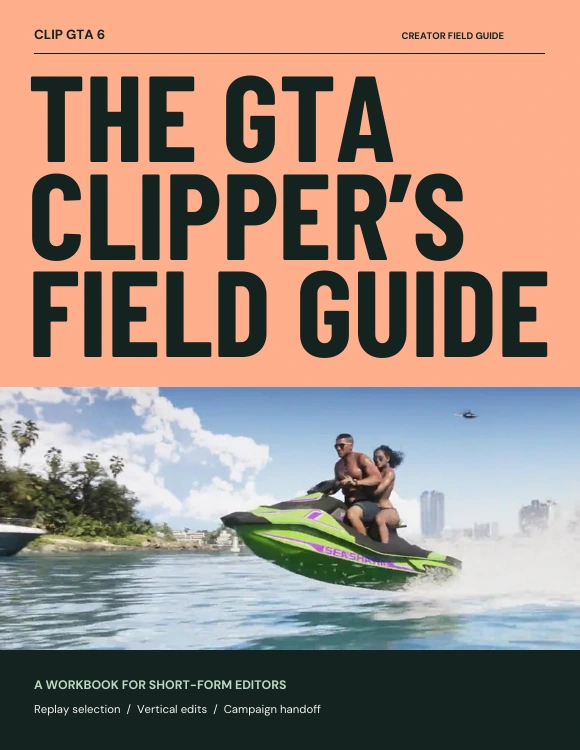
Use the vertical crop guide on a real cut, then take the caption and posting checklists into your next edit. The kit includes 6 lessons and 4 fillable worksheets.
Can I try an edit before I pay?
Yes. Open a featured cut, compare the original, adjust the trim or caption, and download the prepared MP4 without an account. Supported browsers can export your changes, too.
Which replay links and files work?
Start with a replay in the replay library, or upload an MP4, MOV, WebM or MKV up to 2 GiB that you own or have permission to clip. The studio checks a pasted link before offering a scan.
Why did the scanner pick that moment?
The scanner measures changes in sound and movement and looks for setup and reaction cues in available captions. Open a pick to see its timestamp and the signal behind it.
Can I tell whether someone has already clipped it?
The studio can flag overlapping Clip GTA 6 exports from other accounts on the same verified source. For supported Twitch replays, it can also check public clips. You can review the overlap before picking a different moment.
What happens after I post to a campaign?
Submit your public post through the organizer’s campaign page. Save the post, deadline and submission receipt together in the studio calendar, then update the review or payout when the organizer responds.